Choosing the right website platform is one of the biggest decisions a small business can make online. It affects how easily you can update your site, how well you can compete on Google, how quickly pages load, how secure your website is, and how much time (and money) you’ll spend maintaining everything over the long term.
Two of the most popular choices for small businesses are WordPress and Webflow. Both can produce beautiful, high-performing websites. Both can rank well in search. But they suit different types of businesses, teams, and growth plans.
This guide is written for small business owners, founders, and marketing leads who want a practical answer. You’ll get a clear comparison of costs, SEO control, maintenance, and scalability, plus a straightforward recommendation based on your situation.
Quick Recommendation
If you want the shortest, most useful summary, start here:
- Choose Webflow if you want a modern marketing website with minimal technical maintenance, fast design iteration, and fewer moving parts to manage.
- Choose WordPress if you need advanced functionality (ecommerce depth, memberships, bookings, complex integrations), plan to scale a large content operation, or want maximum flexibility and ownership of your setup.
Now let’s break it down in a way that helps you decide with confidence.
Quick Comparison Table
| Feature | WordPress | Webflow |
|---|---|---|
| Ease of use | Moderate learning curve (themes, plugins, hosting) | Visual builder is easier for non-technical users |
| Design | Very flexible (themes, builders, custom development) | Highly custom design control without relying on themes |
| SEO control | Strong technical control via plugins and configuration | Strong built-in SEO tools and clean output |
| Typical year 1 cost (small business) | Often £300–£2,000+ (varies widely by setup and support) | Often £200–£900+ (plan + optional extras) |
| Maintenance | You (or your developer) manage updates, backups, security | Mostly managed by the platform |
| Security | Depends on hosting, updates, and plugin hygiene | Managed security and hosting included |
| Scalability | Excellent for complex and large sites | Excellent for marketing sites; some limits for complex apps |
| Best for | Functionality-heavy sites, content operations, complex ecommerce | Design-led marketing sites and teams moving quickly |
What Is WordPress?
WordPress is an open-source content management system (CMS). In practice, most small businesses use WordPress.org (self-hosted), which means you choose your own hosting provider and you can install themes and plugins to add almost any feature you can imagine.
This flexibility is the reason WordPress is everywhere, from simple brochure sites to large publishing platforms and ecommerce stores. It’s also why WordPress can be brilliant for a small business that expects to add new features over time.
Where WordPress shines
WordPress is hard to beat when you want breadth of functionality. If you need complex forms, booking systems, membership areas, advanced ecommerce, or deep integrations, WordPress gives you multiple paths: plugins, custom development, or a combination of both.
It is also strong for content publishing. The editorial workflow, categorisation, and overall publishing experience can scale well when you’re producing a lot of content.
Where WordPress can become a burden
The trade-off is responsibility. WordPress sites rely on a stack of moving parts: hosting, the WordPress core, themes, and plugins. Updates need to be managed. Backups need to be configured. Security needs attention. None of that is unmanageable but it’s rarely “set and forget”.
If you don’t have someone maintaining your WordPress website, small issues (slowdowns, plugin conflicts, vulnerabilities) can quietly build up until they become expensive emergencies.
What Is Webflow?
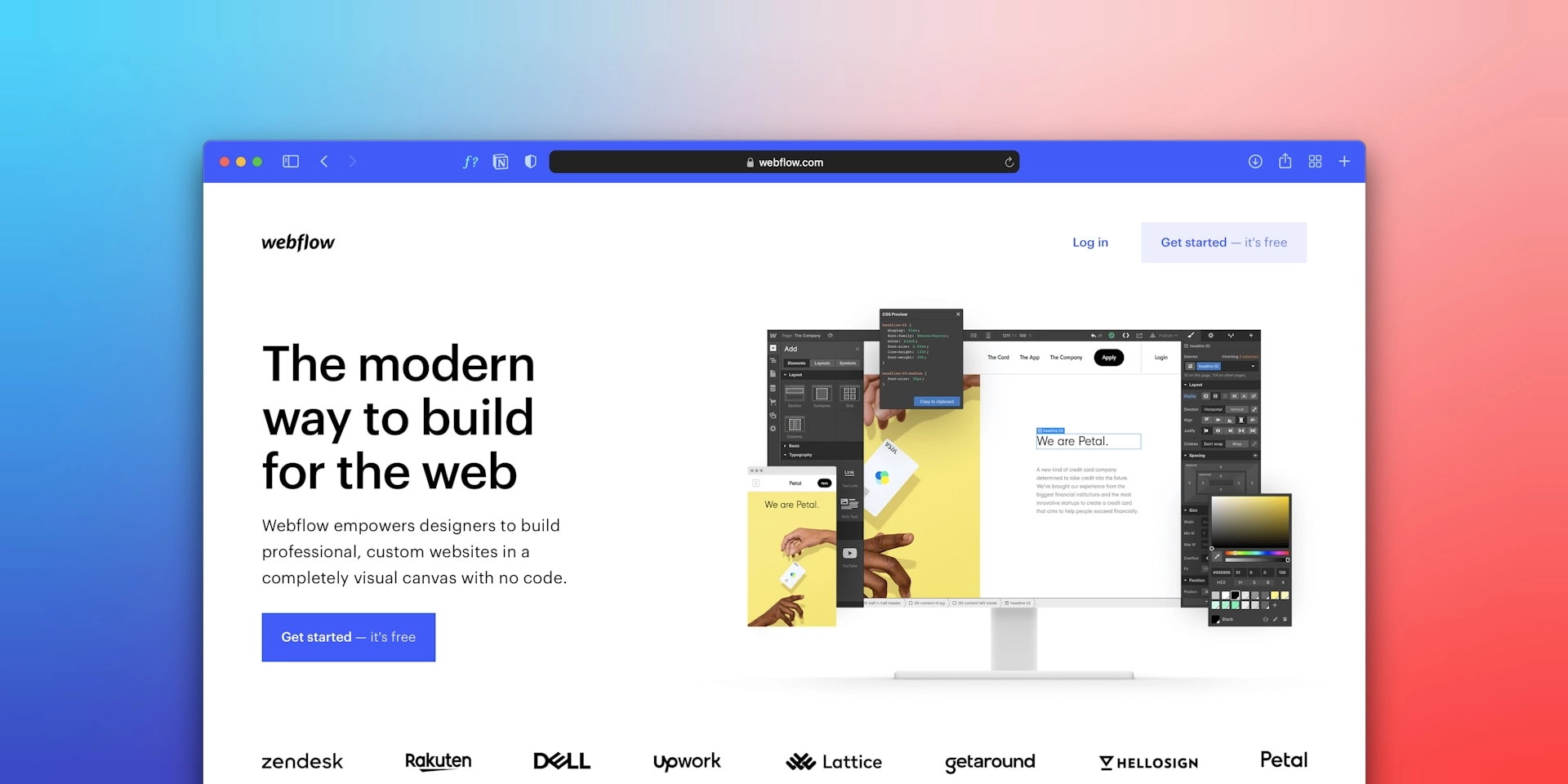
Webflow is a hosted website platform that combines a visual design tool with built-in hosting and a CMS. It’s popular with teams that care about design quality and want the ability to update pages quickly without relying on a developer for every change.
Instead of installing a theme and dozens of plugins, Webflow gives you an integrated environment: hosting is included, updates are handled by the platform, and many essentials (SEO basics, security, performance features) are more standardised.
Where Webflow shines
Webflow is excellent for marketing websites: service businesses, B2B companies, startups, and brands that want a modern site that feels custom and loads quickly. The visual builder makes it easier to maintain a consistent design system and publish landing pages or new sections without wrestling with plugin compatibility.
Where Webflow can feel limiting
Webflow doesn’t have the same “plugin universe” as WordPress. You can still build advanced solutions, especially with custom code or third-party tools but certain types of functionality (very complex ecommerce, membership ecosystems, highly customised backend workflows) can be more straightforward on WordPress.
It’s also worth noting that Webflow pricing can increase as your needs grow, especially if you need multiple users (seats), advanced features, or higher-tier plans.
WordPress vs Webflow: The Differences That Matter
Ease of use and day-to-day management
For many small businesses, “ease of use” is less about building the first version of the site and more about what happens after launch. Can you make updates quickly? Can a non-technical person add a new page without breaking the layout? Can your team publish content consistently?
Webflow generally wins for non-technical teams because the editing experience is visual and the environment is more controlled. WordPress can be easy too, especially with a good setup but it becomes more complex as you add plugins, customisations, and multiple contributors.
Design and customisation
Both platforms can deliver a custom website. The difference is how you get there.
WordPress often starts with a theme (or a builder) and then you customise from there. You can go fully bespoke, but it usually requires a developer and a clear plan to avoid a patchwork of plugins and quick fixes.
Webflow is designed for custom layouts and consistent design systems. It gives you more direct control over spacing, typography, responsive behaviour, and interactions without needing a theme. That’s why Webflow sites often feel “premium” by default.
SEO capabilities (what actually affects ranking)
In competitive markets, SEO isn’t just “add keywords and publish blogs”. Ranking comes from a combination of content quality, technical foundations, site performance, internal linking, and topical authority.
WordPress can be exceptional for SEO because it offers deep control. Plugins help manage metadata, redirects, schema, sitemaps, and content optimisation workflows. But SEO performance depends heavily on the quality of the build: hosting, theme efficiency, plugin selection, and ongoing maintenance.
Webflow is strong for SEO because it tends to produce cleaner output and predictable performance. You can control titles, descriptions, headings, alt text, and redirects. You can also add structured data (schema) using custom code. For many small businesses, Webflow offers a simpler path to a fast, technically sound site.
The key point: either platform can rank. The winning choice depends on how you operate. If you want maximum technical control and plan to build a large content engine, WordPress has advantages. If you want a clean, fast site with fewer technical pitfalls, Webflow can be the safer option.
Performance and Core Web Vitals
Speed matters for conversions and is a quality signal in modern SEO. Many small business websites lose leads because pages feel sluggish on mobile, forms load slowly, or layouts shift unexpectedly.
WordPress performance ranges from excellent to poor depending on hosting quality, plugin weight, and configuration. A lightweight theme on good hosting can be incredibly fast. A plugin-heavy setup on cheap hosting can be frustratingly slow.
Webflow performance is typically more consistent because hosting and infrastructure are part of the platform. That doesn’t guarantee perfection, but it reduces the number of variables that can quietly degrade site speed over time.
Security and maintenance
This is one of the most practical differences for a small business.
With WordPress, you’re responsible for keeping the core software, themes, and plugins updated. You also need backups and security monitoring. If you outsource maintenance, this becomes manageable. If you ignore it, risks increase over time.
With Webflow, much of that burden is reduced because the platform manages hosting and core updates. You still need good practices (strong passwords, access control, careful publishing), but the ongoing maintenance workload is generally lighter.
Cost Breakdown: What Small Businesses Typically Pay
Cost is where many comparisons go wrong. It’s tempting to compare “free WordPress” against a Webflow subscription, but that doesn’t reflect real-world ownership costs.
Typical WordPress costs
WordPress software is free, but a functioning small business website usually includes hosting, a domain, and often paid tools or support. A realistic “year 1” range is broad because it depends on complexity and whether you do it yourself.
In the UK, many small businesses typically spend:
- Domain: often £10–£20 per year
- Hosting: often £60–£300+ per year (more for quality managed hosting)
- Theme and essentials: sometimes free, sometimes £50–£200+
- Plugins: varies; some are free, many businesses pay £50–£300+ per year for a reliable set
- Maintenance support (optional but common): often £50–£200+ per month
Hidden costs often show up when a site needs a performance overhaul, a broken plugin causes downtime, or you need developer help after a major update.
Typical Webflow costs
Webflow is subscription-based, which makes costs easier to predict. Your main expenses are the site plan and any optional extras (templates, workspace seats, integrations, ecommerce features).
Many small businesses typically spend:
- Site plan: commonly a few hundred pounds per year (depending on plan)
- Template (optional): £0–£100+
- Extra users/seats (optional): can increase costs for teams
- Integrations (optional): depends on tools (CRM, forms, automation)
Hidden costs often appear when your site grows and you need a higher tier plan, or when you add advanced functionality that requires custom development or third-party services.
The practical takeaway: WordPress can be cheaper or more expensive depending on how you run it. Webflow tends to be more predictable, particularly for straightforward marketing sites.
Which Platform Is Better for Your Type of Business?
Local service businesses (lead generation focus)
If you’re a service business (for example: consultants, trades, clinics, agencies) and the goal is straightforward lead generation—service pages, strong local SEO, and a site that converts—Webflow is often an excellent fit. It’s easier to maintain, design quality is high, and performance tends to be consistent.
WordPress can be equally effective here, especially if you already rely on WordPress plugins for forms, bookings, or integrations. The deciding factor is often whether you want ongoing maintenance responsibilities.
B2B service companies (content + credibility)
If you’re building authority through case studies, landing pages, and content marketing, both platforms work. Webflow can make it easier to iterate on landing pages and design quickly. WordPress can be stronger if you plan to scale a large blog and want deeper editorial workflows.
Ecommerce businesses
If ecommerce is central to revenue and you need advanced control (complex products, shipping rules, integrations, custom checkout experiences), WordPress with WooCommerce usually provides more flexibility. Webflow ecommerce can be great for simpler stores and design-led product sites, but it may feel restrictive for complex requirements.
Content-heavy businesses
If publishing is a core growth engine (frequent blogging, multiple categories, lots of internal linking, large libraries of content), WordPress often has an advantage because it has a mature content ecosystem and many SEO and editorial workflow tools.
Non-technical founders or lean teams
If you don’t want to think about updates, hosting configuration, and plugin compatibility, Webflow can reduce risk and time cost. Many small business owners prefer a platform where the maintenance burden is lighter and changes can be made visually.
When You Should Not Choose WordPress
WordPress is not the best choice if you want a low-maintenance platform and you don’t have someone responsible for updates and security. It can also be a poor fit if you’re likely to install many plugins without a clear plan—this is where performance and stability problems often begin.
When You Should Not Choose Webflow
Webflow may not be the right fit if you need a deep plugin ecosystem, complex backend logic, or advanced ecommerce customisation. It can also be less suitable if you require full server-level control or highly bespoke application-style functionality.
Final Verdict
WordPress is best when you need maximum flexibility, advanced functionality, or you plan to build a content-heavy growth strategy—provided you’re willing to manage maintenance (or pay for support).
Webflow is best when you want a modern marketing site, high design quality, consistent performance, and lower technical overhead—especially for small teams that want to move quickly.
If you’re still undecided, the most important question is this: Do you want control and extensibility (WordPress), or simplicity and speed of iteration (Webflow)?
Need Help Choosing the Right Platform?
The right choice depends on your growth goals, internal resources, and how much technical responsibility you want to carry. If you’d like a second opinion, a platform recommendation based on your business model (and an SEO plan to grow traffic) can prevent expensive rebuilds later.