Compare Headless CMS and WordPress across SEO, performance, flexibility, security, cost and editor experience to choose the best CMS for your business.
Choosing between a headless CMS and WordPress is one of the most important decisions in a website project. The platform you choose affects performance, SEO, development cost, content editing, scalability and how easily your website can grow over time.
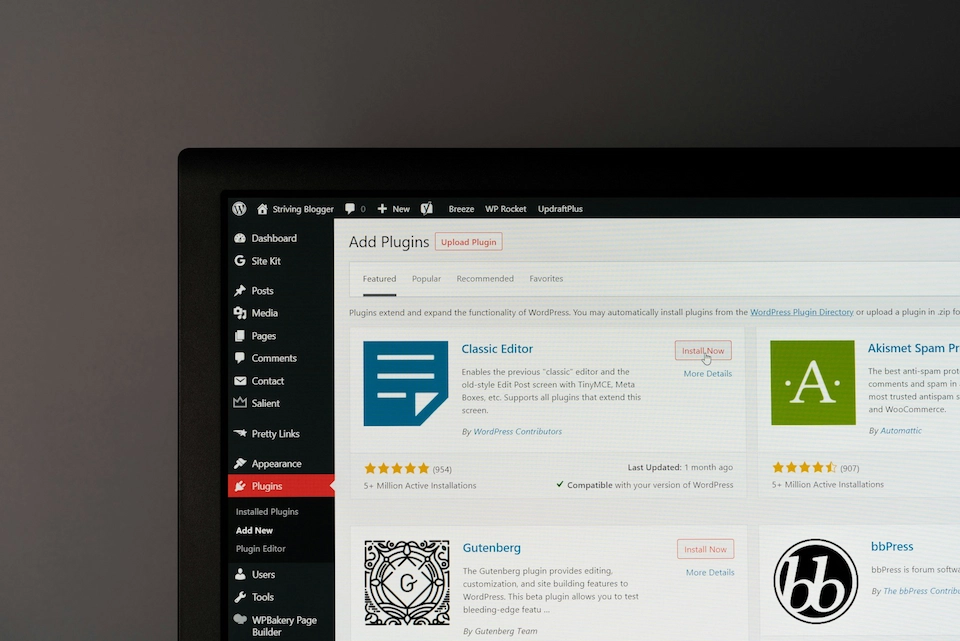
WordPress remains one of the most widely used content management systems in the world. It is flexible, familiar and supported by a large ecosystem of themes, plugins and developers. You can learn more about the platform directly from WordPress.org.
A headless CMS takes a different approach. It separates content management from the frontend, allowing developers to build faster and more flexible digital experiences using frameworks such as Next.js, React, Nuxt or other modern frontend technologies.
Neither option is automatically better. The right choice depends on your business goals, technical requirements, budget, internal team and long-term digital strategy.
In this guide, we compare Headless CMS vs WordPress across SEO, performance, cost, flexibility, security, editor experience and scalability to help you decide which CMS is right for your business.
Quick Answer: Headless CMS vs WordPress
For most marketing websites, content-led business websites and lead generation sites, WordPress is usually the more practical choice because it is easier to manage, faster to launch and more cost-effective.
A headless CMS is usually better when you need a custom frontend, multi-channel content delivery, advanced performance, complex content models or a more flexible digital architecture.
| Best For | Recommended CMS |
|---|---|
| Marketing websites | WordPress |
| Blogs and content hubs | WordPress |
| Lead generation websites | WordPress |
| Custom digital products | Headless CMS |
| Multi-channel content delivery | Headless CMS |
| Enterprise content architecture | Depends on requirements |
| High-performance frontend experiences | Headless CMS |
What Is WordPress?
WordPress is an open-source content management system used to build and manage websites. It allows businesses to create pages, publish blog posts, manage media, install plugins and control website content through an admin dashboard.
WordPress can be used for brochure websites, blogs, ecommerce websites, membership platforms, lead generation websites and custom business platforms.
Its main strengths are ease of use, flexibility, plugin availability and a large support ecosystem.
For many businesses, WordPress remains a strong choice because it gives content teams direct control over pages, SEO settings, landing pages and publishing workflows.
If you are planning a WordPress build, read our guide on choosing a WordPress development agency.
What Is A Headless CMS?
A headless CMS is a content management system that separates the backend content platform from the frontend website experience.
In a traditional CMS, the same system manages both content and presentation. In a headless CMS, content is stored in the CMS and delivered through an API to a separate frontend application.
This means developers can build the frontend using modern frameworks while content teams manage content separately in the CMS.
Popular headless CMS platforms include Strapi, Contentful, Sanity, Storyblok, Prismic and Directus.
A headless CMS is often used for businesses that need fast performance, multi-channel content delivery, custom frontend experiences or more control over digital architecture.
For a broader explanation, read our guide to headless CMS vs traditional CMS.
Headless CMS vs WordPress: The Simple Difference
The simple difference is this:
WordPress manages content and the website frontend together. A headless CMS manages content separately and delivers it through APIs to a custom frontend.
| Area | WordPress | Headless CMS |
|---|---|---|
| Architecture | Traditional CMS | API-first CMS |
| Frontend | Usually controlled by a WordPress theme | Built separately using modern frameworks |
| Content editing | Managed inside WordPress | Managed inside CMS, delivered via API |
| Development | Often faster and lower cost | Usually more custom and developer-led |
| Best for | Marketing websites, blogs and business websites | Custom digital experiences and multi-channel platforms |
How WordPress Works
WordPress usually works as a traditional CMS. Content, templates, plugins, themes and website presentation are managed within the same system.
A typical WordPress setup looks like this:
User → WordPress Theme → WordPress CMS → Database
This architecture is simple, familiar and effective for many websites.
Editors can log in, create pages, update content, publish blog posts and manage media. Developers can build custom themes, blocks, plugins and integrations when required.
For most standard business websites, this structure is easy to understand and cost-effective to maintain.
How A Headless CMS Works
A headless CMS separates content from presentation.
A typical headless setup looks like this:
User → Frontend Framework → API → Headless CMS → Database
The CMS stores and manages content. The frontend application fetches that content through APIs and displays it to users.
This approach gives developers much more control over the frontend experience. It also allows the same content to be delivered to websites, apps, portals, ecommerce platforms and other digital channels.
However, this flexibility usually comes with more complexity, higher development requirements and a greater need for technical planning.
Headless CMS vs WordPress Comparison Table
| Feature | WordPress | Headless CMS |
|---|---|---|
| Ease of setup | Usually faster | Usually slower |
| Content editing | Very familiar for editors | Depends on platform and setup |
| SEO control | Strong with plugins and development | Strong if implemented correctly |
| Performance | Good when optimised | Excellent potential |
| Flexibility | High | Very high |
| Developer control | Good | Very strong |
| Cost | Usually lower | Usually higher |
| Security | Requires careful maintenance | Often reduced frontend exposure |
| Plugin ecosystem | Very large | Limited or platform-specific |
| Best fit | Marketing and content websites | Custom digital experiences |
Headless CMS vs WordPress For SEO
Both WordPress and headless CMS platforms can perform well for SEO. The platform alone does not guarantee rankings.
SEO performance depends on technical implementation, content quality, site architecture, page speed, structured data, internal linking, metadata and user experience.
WordPress is often easier for SEO teams because many SEO features are available through plugins and familiar workflows.
A headless CMS can be excellent for SEO, but only when the frontend is built correctly. Developers must ensure that search engines can crawl, render and understand the content properly.
Google provides useful documentation on Search Central, including guidance on crawlability, structured data and technical SEO best practices.
WordPress SEO Strengths
WordPress is strong for SEO because it gives marketing teams a lot of control.
- Easy metadata management
- SEO plugins such as Yoast, Rank Math or similar tools
- Simple blog publishing
- Editable URLs
- Internal linking control
- XML sitemap support
- Schema plugin options
- Redirect management through plugins
For content-heavy websites, WordPress is often efficient because SEO teams can create, optimise and update pages without relying heavily on developers.
Headless CMS SEO Strengths
A headless CMS can also be very strong for SEO, especially when paired with a modern frontend framework.
- Fast frontend performance
- Flexible page rendering
- Custom structured data implementation
- Better control over frontend code
- Cleaner architecture
- Scalable content models
- Strong performance potential with static generation
The main risk is implementation. If metadata, canonicals, sitemaps, structured data, redirects and rendering are not handled properly, a headless website can underperform in search.
SEO Verdict
WordPress is usually easier for SEO teams to manage. Headless CMS platforms can deliver excellent SEO performance, but they require stronger technical implementation.
For most marketing websites, WordPress is often the more practical SEO choice. For businesses with custom architecture, complex content models or high performance requirements, headless can be a better long-term option.
If organic visibility is a major goal, it is worth completing a technical review before choosing a platform. Our website audit services can help identify SEO, UX and performance requirements before a rebuild.
Headless CMS vs WordPress For Performance
Performance is one of the main reasons businesses consider headless architecture.
Headless websites can be extremely fast when built with modern frameworks, static generation, edge delivery and optimised frontend code.
WordPress can also be fast, but performance often depends on theme quality, hosting, plugin usage, caching, image optimisation and development standards.
Google’s Core Web Vitals guidance is useful when assessing performance, loading experience and user experience signals.
| Performance Area | WordPress | Headless CMS |
|---|---|---|
| Page speed | Good when optimised | Very strong potential |
| Core Web Vitals | Depends on implementation | Strong when built correctly |
| Hosting flexibility | High | High |
| Frontend control | Theme-dependent | Very high |
| Risk of bloat | Higher with plugins | Lower if well built |
For simple websites, a well-built WordPress site can be more than fast enough. For complex, high-traffic or performance-critical projects, headless architecture may provide a stronger foundation.
If speed is a concern, read our guide to website speed test tools.
Editor Experience: Which Is Easier To Manage?
Editor experience is one of the most important factors in CMS selection.
A website can be technically impressive but still fail if marketing teams find it difficult to update.
WordPress is usually easier for non-technical users because it is familiar and widely used. Many content editors already know how to create pages, publish posts and manage media in WordPress.
Headless CMS platforms vary. Some offer excellent editorial workflows, while others feel more technical. The editor experience depends heavily on how content models, previews and publishing workflows are configured.
WordPress Editor Experience
- Familiar dashboard
- Easy blogging and publishing
- Visual editing with blocks
- Large amount of documentation
- Many editors already know how to use it
Headless CMS Editor Experience
- Structured content models
- Can support complex workflows
- May require custom preview setup
- Less familiar to many marketing teams
- Often needs more onboarding
If your marketing team needs a simple, familiar publishing workflow, WordPress is often easier. If your business needs structured content across multiple channels, a headless CMS may be better.
Flexibility And Scalability
Both WordPress and headless CMS platforms are flexible, but in different ways.
WordPress flexibility often comes from plugins, themes and custom development. This makes it useful for businesses that need to launch quickly or add common functionality without building everything from scratch.
Headless CMS flexibility comes from separating content from presentation. This makes it easier to build custom frontends, mobile apps, digital products and multi-channel content systems.
| Use Case | Best Fit |
|---|---|
| Marketing website | WordPress |
| Blog or content hub | WordPress |
| Custom frontend experience | Headless CMS |
| Multi-channel publishing | Headless CMS |
| Fast brochure website | WordPress |
| Digital product or platform | Headless CMS |
| Enterprise content model | Depends on requirements |
If your current CMS is limiting growth, read our guide on whether your CMS is holding your business back.
Security Comparison
Security is often discussed when comparing WordPress and headless CMS platforms.
WordPress can be secure, but it requires ongoing maintenance. Because WordPress is widely used, it is a frequent target for automated attacks. Poorly maintained plugins, weak passwords and outdated themes can create vulnerabilities.
A headless setup can reduce certain risks because the CMS is separated from the public frontend. However, headless architecture still requires secure APIs, authentication, hosting, permissions and dependency management.
WordPress Security Considerations
- Keep core, themes and plugins updated
- Use trusted plugins only
- Implement strong hosting security
- Use web application firewall protection
- Manage user permissions carefully
- Monitor backups and malware risks
Headless CMS Security Considerations
- Secure API access
- Control authentication and roles
- Protect preview environments
- Manage frontend dependencies
- Secure hosting and deployment pipelines
- Review permissions across systems
Headless architecture can improve security in some cases, but it is not automatically secure. Both approaches need proper maintenance and technical oversight.
For ongoing support, updates and technical maintenance, see our website maintenance and support services.
Headless CMS vs WordPress Cost
WordPress is usually cheaper to build and maintain for standard business websites.
That is because WordPress has a mature ecosystem, many available developers and a large number of plugins that reduce custom development time.
Headless CMS projects usually cost more because they require separate frontend development, API integration, hosting decisions, content modelling and more technical planning.
| Cost Area | WordPress | Headless CMS |
|---|---|---|
| Initial build | Usually lower | Usually higher |
| Hosting | Low to medium | Medium to high depending on stack |
| Maintenance | Moderate | Moderate to high |
| Developer dependency | Lower for simple sites | Higher |
| Long-term scalability | Good | Very strong |
If budget and speed are important, WordPress is often the more practical choice. If your business needs custom architecture, multi-channel delivery or high performance at scale, headless may justify the additional investment.
For more context on project budgets, read our guide to website development costs in the UK.
Can WordPress Be Used As A Headless CMS?
Yes. WordPress can be used as a headless CMS.
In this setup, WordPress manages content in the backend, while a separate frontend application displays that content using the WordPress REST API or GraphQL.
This can be useful if your team likes WordPress as an editing platform but your project needs a custom frontend experience.
However, headless WordPress adds complexity. You lose some of the simplicity that makes traditional WordPress attractive, and features such as previews, menus, forms and SEO settings may require custom development.
Headless WordPress can work well, but it should be chosen for a clear reason rather than because it sounds modern.
WordPress, Headless CMS And Other CMS Options
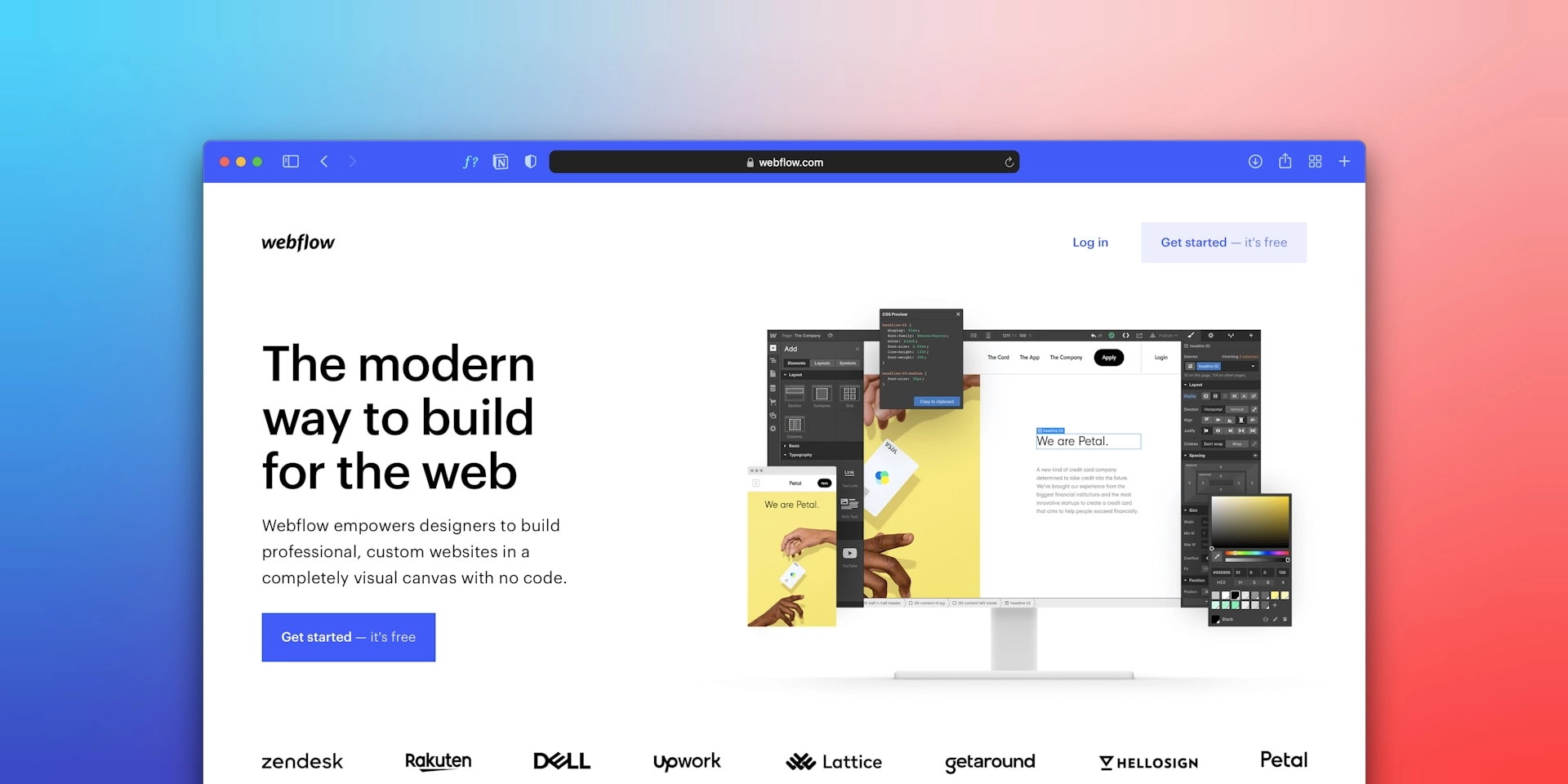
WordPress and headless CMS platforms are not the only options. Depending on your requirements, platforms such as Concrete CMS, Drupal, Webflow or other open-source CMS solutions may also be worth considering.
For example, Concrete CMS can be a good choice for organisations that need in-page editing, structured permissions and controlled content workflows.
If you are comparing broader CMS options, our guide to open-source headless CMS platforms may also be useful.
When Should You Choose WordPress?
WordPress is often the right choice when you need a flexible, content-driven business website that marketing teams can manage easily.
You should consider WordPress if:
- You need a marketing website or lead generation website
- Your team publishes regular content
- You want strong SEO control without heavy custom development
- You need a cost-effective CMS
- You want access to a large plugin ecosystem
- You need faster time to launch
- Your internal team is familiar with WordPress
- You do not need complex multi-channel content delivery
For many small and medium-sized businesses, WordPress offers the best balance of cost, control and flexibility.
If you are planning a WordPress project, our WordPress development agency guide explains what to look for when choosing a development partner.
When Should You Choose A Headless CMS?
A headless CMS is often the right choice when your website is part of a broader digital ecosystem.
You should consider a headless CMS if:
- You need a highly custom frontend experience
- You are building a digital product or platform
- You need content across websites, apps and other channels
- You require strong performance at scale
- Your development team wants full frontend control
- You have complex content models
- You want to use modern frontend frameworks
- You have the budget and technical support to maintain it
Headless is powerful, but it is not always necessary. It is best suited to businesses that genuinely need the flexibility it provides.
For support choosing and implementing the right architecture, our web development agency team can help.
What We Recommend At Rubik Digital
At Rubik Digital, we do not recommend a CMS because it is fashionable. We recommend the platform that best matches the project, the team and the business goals.
For content-led marketing websites, WordPress is often the best option because it gives marketing teams control, supports SEO well and is cost-effective to maintain.
For complex digital platforms, multi-channel content delivery or custom frontend experiences, a headless CMS may be a better long-term fit.
For organisations that need controlled editing, structured permissions and strong governance, a platform such as Concrete CMS may also be worth considering.
The key is to start with requirements, not technology. Your CMS should support how your business actually works.
Common Mistakes When Choosing Between WordPress And Headless CMS
The wrong CMS decision can create long-term problems for marketing, SEO, development and growth.
Choosing Headless Because It Sounds Modern
Headless architecture can be excellent, but it is not automatically the best choice. If your website is mainly a marketing site, WordPress may be simpler, cheaper and easier to manage.
Underestimating Headless Development Cost
A headless CMS often requires more planning, frontend development and technical maintenance. Businesses should budget for the full architecture, not just the CMS licence.
Ignoring The Editor Experience
The CMS must work for the people managing content. If editors find the system difficult to use, publishing slows down and the website becomes harder to maintain.
Assuming SEO Will Work Automatically
Neither WordPress nor headless CMS platforms guarantee SEO performance. Technical SEO needs to be planned carefully on both platforms.
Relying Too Heavily On WordPress Plugins
Plugins can speed up development, but too many plugins can create performance, security and maintenance issues.
Which CMS Is Right For Your Business?
| Business Need | Recommended Option |
|---|---|
| Fast marketing website | WordPress |
| Content publishing and SEO | WordPress |
| Low to medium budget | WordPress |
| Custom frontend experience | Headless CMS |
| Multi-channel content delivery | Headless CMS |
| Digital product or application | Headless CMS |
| Enterprise content architecture | Depends on requirements |
| Simple editor workflow | WordPress |
| Maximum frontend flexibility | Headless CMS |
Final Verdict: Headless CMS Or WordPress?
WordPress is usually the better choice for businesses that need a flexible, cost-effective and easy-to-manage marketing website.
A headless CMS is usually better for businesses that need custom digital experiences, multi-channel content delivery, stronger frontend control or more complex architecture.
The best decision depends on your goals, not the trend.
If your priority is content publishing, SEO control, speed to market and ease of editing, WordPress is often the right choice.
If your priority is performance at scale, custom frontend development and content delivery across multiple platforms, a headless CMS may be a better fit.
Choose WordPress when simplicity, speed and editorial control matter most. Choose a headless CMS when flexibility, performance and custom architecture justify the added complexity.
If you are planning a new website, CMS migration or platform review, our web development agency team can help you choose the right CMS and build a website that supports long-term growth.