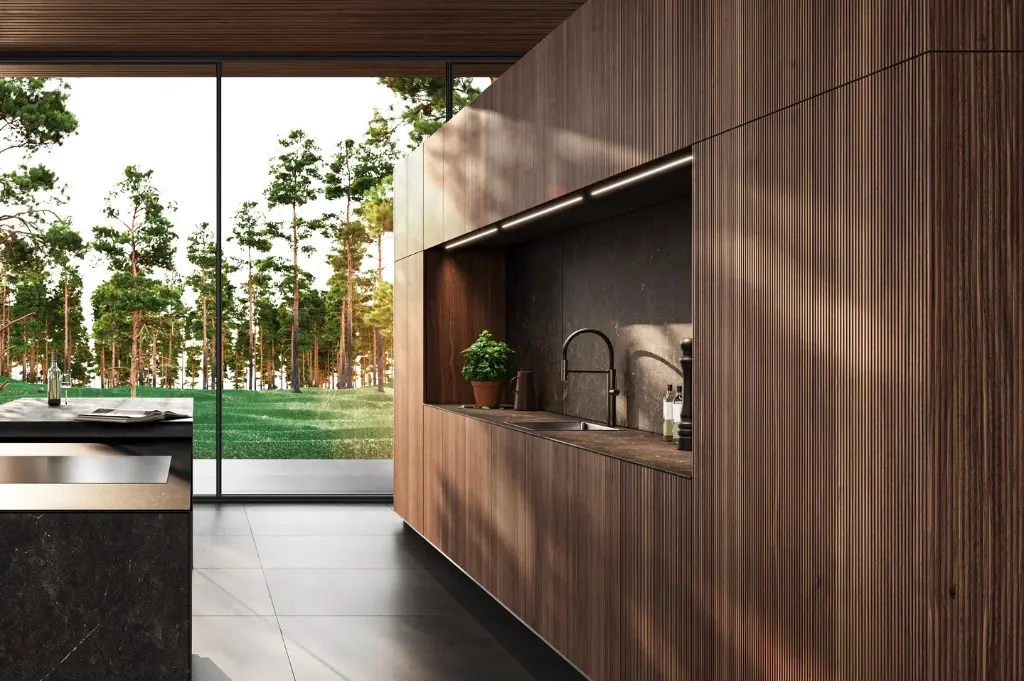
A refined digital experience designed to attract luxury-focused audiences and generate qualified enquiries for high-end interior collections.
Tested updates, plugin reviews, backups, security and fixes for your WordPress site, from developers who build WordPress sites, so it stays fast, safe and easy to edit.








%20scale(0.100000,-0.100000)'%20fill='%23000'%20stroke='none'%3e%3cpath%20d='M13295%2011176%20c-125%20-30%20-233%20-115%20-286%20-222%20-30%20-61%20-33%20-75%20-40%20-215%20-11%20-207%20-34%20-279%20-102%20-317%20-30%20-16%20-212%20-17%20-3212%20-22%20l-3180%20-5%20-70%20-24%20c-169%20-57%20-279%20-153%20-324%20-284%20-36%20-105%20-100%20-179%20-190%20-221%20l-46%20-21%20-2085%20-5%20-2085%20-5%20-58%20-23%20c-341%20-138%20-362%20-619%20-32%20-773%2088%20-42%20151%20-49%20440%20-49%20221%200%20255%20-3%20291%20-19%2063%20-29%20115%20-80%20146%20-146%20l28%20-60%200%20-3720%20c0%20-2436%20-4%20-3744%20-10%20-3790%20-45%20-309%20-186%20-501%20-354%20-481%20-171%2020%20-277%20142%20-425%20489%20-139%20324%20-325%20486%20-637%20553%20-465%2099%20-968%20-201%20-1039%20-620%20-72%20-426%2090%20-762%20476%20-983%20515%20-295%201226%20-278%201809%2044%2084%2047%202141%201430%202285%201537%20434%20323%20580%20531%20666%20945%2038%20185%2039%20259%2039%203177%20l0%202861%2031%2062%20c64%20127%20119%20148%20409%20155%20382%209%20499%2073%20597%20329%2041%20108%20138%20194%20245%20216%2067%2015%20974%2015%201053%200%20163%20-30%20273%20-142%20305%20-309%207%20-35%2010%20-1256%2010%20-3589%200%20-3861%20-4%20-3596%2056%20-3715%2076%20-152%20264%20-218%20448%20-156%2076%2025%201971%201283%202077%201379%2083%2075%20151%20174%20187%20271%20l27%2075%205%202890%205%202890%2032%2066%20c39%2079%20102%20140%20181%20177%20l57%2027%20973%203%20972%202%200%20-3053%20c0%20-3022%200%20-3055%2020%20-3132%2034%20-133%2089%20-203%20200%20-254%2076%20-35%20219%20-42%20300%20-14%2038%2012%20360%20222%201030%20667%201099%20732%201097%20730%201179%20897%2077%20157%2071%20-114%2069%203201%20l-3%202973%20-22%2055%20c-52%20126%20-148%20222%20-271%20272%20l-57%2023%20-1035%202%20c-793%201%20-1047%20-1%20-1085%20-11z'/%3e%3c/g%3e%3c/svg%3e)

WordPress support is ongoing help from developers who look after your WordPress site. It covers updating WordPress, plugins and themes after testing them, reviewing plugins that are outdated or abandoned, backups, security scans, speed improvements and fixing errors. It also includes help for your team when something won't edit or display properly, so the site keeps working as WordPress changes.
Last reviewed 26 October 2026 by the Rubik Digital team.
Core, plugins and theme, tested.
Reviewed, replaced or removed.
Backups and security scans.
Errors and editing problems solved.
“An update broke the site and nobody knows which one.”
We fix it with updates tested on a copy of your site first, with a backup ready to roll back.
“Thirty plugins, and nobody knows what half of them do.”
We fix it with every plugin reviewed, with unused and abandoned ones replaced or removed.
“The site got slower with every new plugin and page.”
We fix it with speed checked on your key pages, with heavy plugins and images dealt with.
“The developer who built it has moved on.”
We fix it with we review the theme and code, fix anything urgent, then look after it from there.
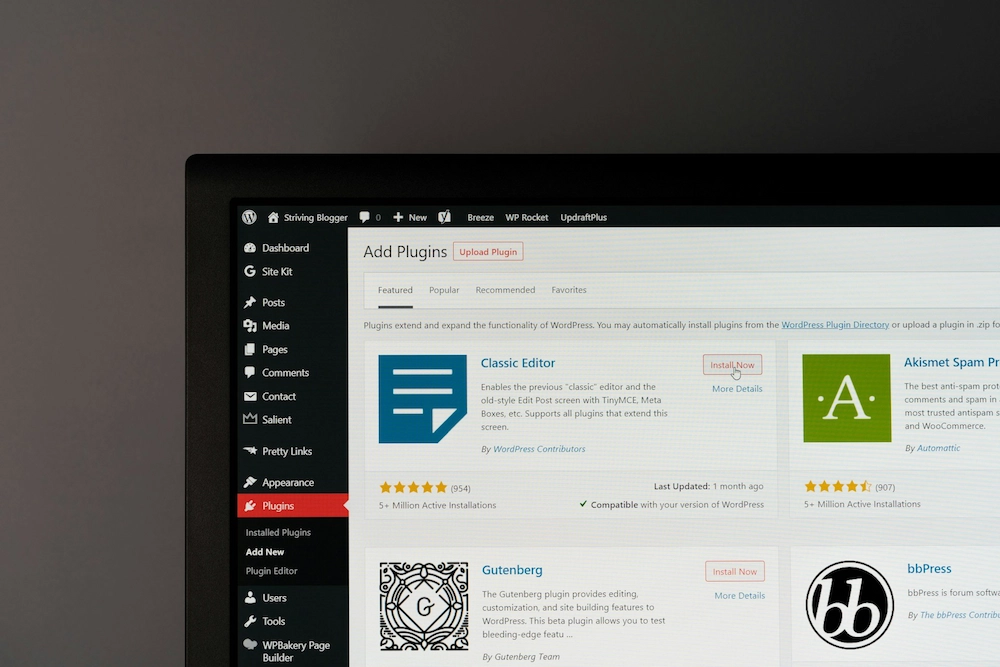
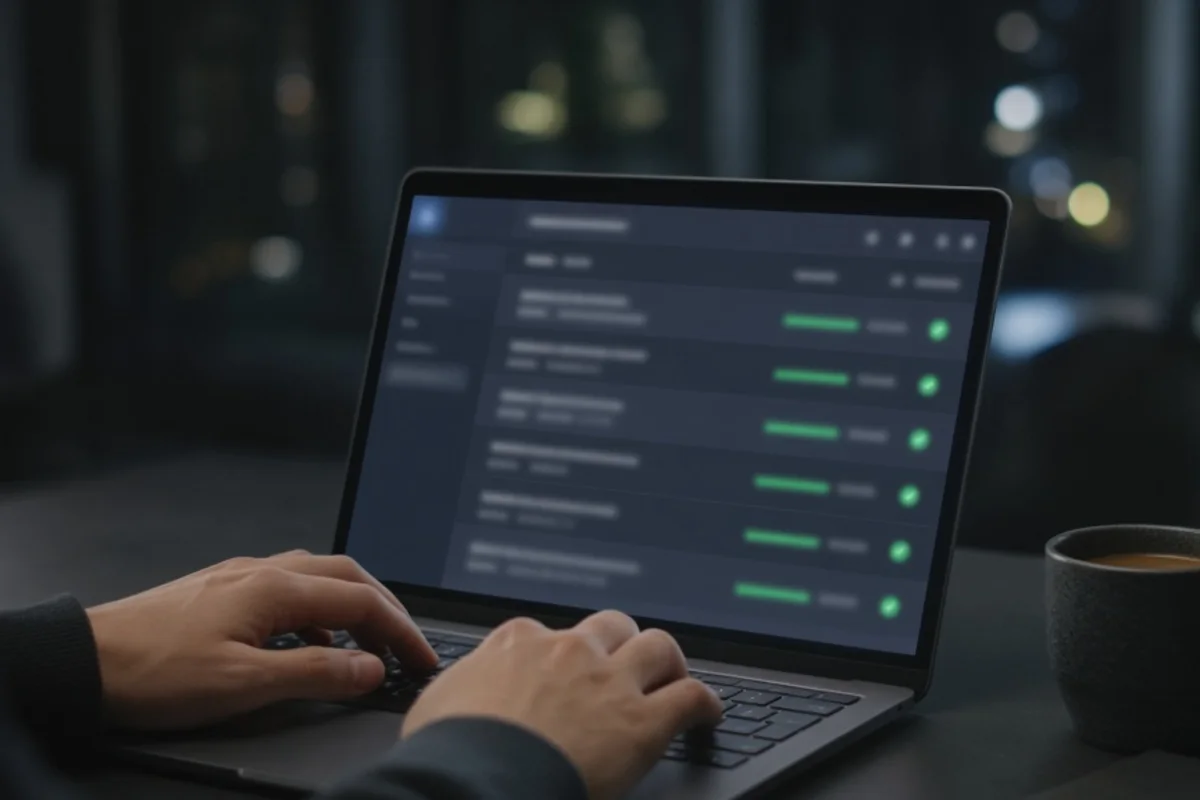
Support starts with a review of every plugin. Here's how it looked for a fictional finance firm's site: what we kept, updated, replaced and removed.
Plugins · example.co.uk
Current, well maintained and set up correctly.
Verdict: Keep
Doing its job. Settings tuned for the theme.
Verdict: Keep
Several versions behind. Updated after testing on a copy of the site.
Verdict: Update
A major version behind. Updated, then every page checked.
Verdict: Update
No longer maintained by its developer. Rebuilt as a simple custom block.
Verdict: Replace
Let tracking run before consent. Swapped for one that waits.
Verdict: Replace
Loaded on every page, used on none.
Verdict: Remove
We haven't published a support case study yet. These are WordPress sites we designed and built, with figures from their published case studies.
A refined digital experience designed to attract luxury-focused audiences and generate qualified enquiries for high-end interior collections.
We repositioned a complex compliance platform into a clear enterprise proposition, aligning product, messaging and UX to support high-value pipeline growth.

Five steps to bring a WordPress site into support, whoever built it.
What you have. WordPress version, theme, hosting and backups checked.
Keys handed over. Admin, hosting and domain logins set up securely.
Every one reviewed. Kept, updated, replaced or removed.
Protected. Off-site backups and security scans switched on.
A team to ask. Updates, fixes and help from developers.
From switching on automatic updates to a team of developers, here's what changes.
It depends on how many plugins your site uses, whether it runs WooCommerce, how much custom code it has and how much change time you need each month. A small brochure site costs far less to support than a large shop. We quote a fixed monthly fee after reviewing your site.
Get a fixed proposalWhat moves the price
How many need looking after.
Effect on budget: Medium
Shops need extra testing.
Effect on budget: High
Bespoke themes and blocks.
Effect on budget: Medium
Hours for edits each month.
Effect on budget: Medium
Whether we host it too.
Effect on budget: Low
We design and build WordPress sites, so the people supporting yours can fix the theme and code, not just press update.
Developers who know themes, blocks and plugins inside out.
Every update tried on a copy of your site first.
We remove what you don't need, so there's less to break.
We take on sites built by others, after a review.
Expert guidance and flawless execution. Our go‑to agency for all things digital.”
What people usually ask us before a project starts. If yours isn't here, ask it in the form and someone senior will reply.
Tested updates to WordPress, plugins and themes, plugin reviews, daily off-site backups, security scans, speed checks, fixes and time each month for small changes.
Start a conversation
Tell us about your site and what's not working. We'll suggest the right level of support.